Decoupling Order Capture: Designing a Tool That Competes With a Phone Call
Role: Senior UX Designer, Nutrien Ag Solutions
When: 2019–2020
Focus: The Employee Experience Hub (EXH)
Introduction
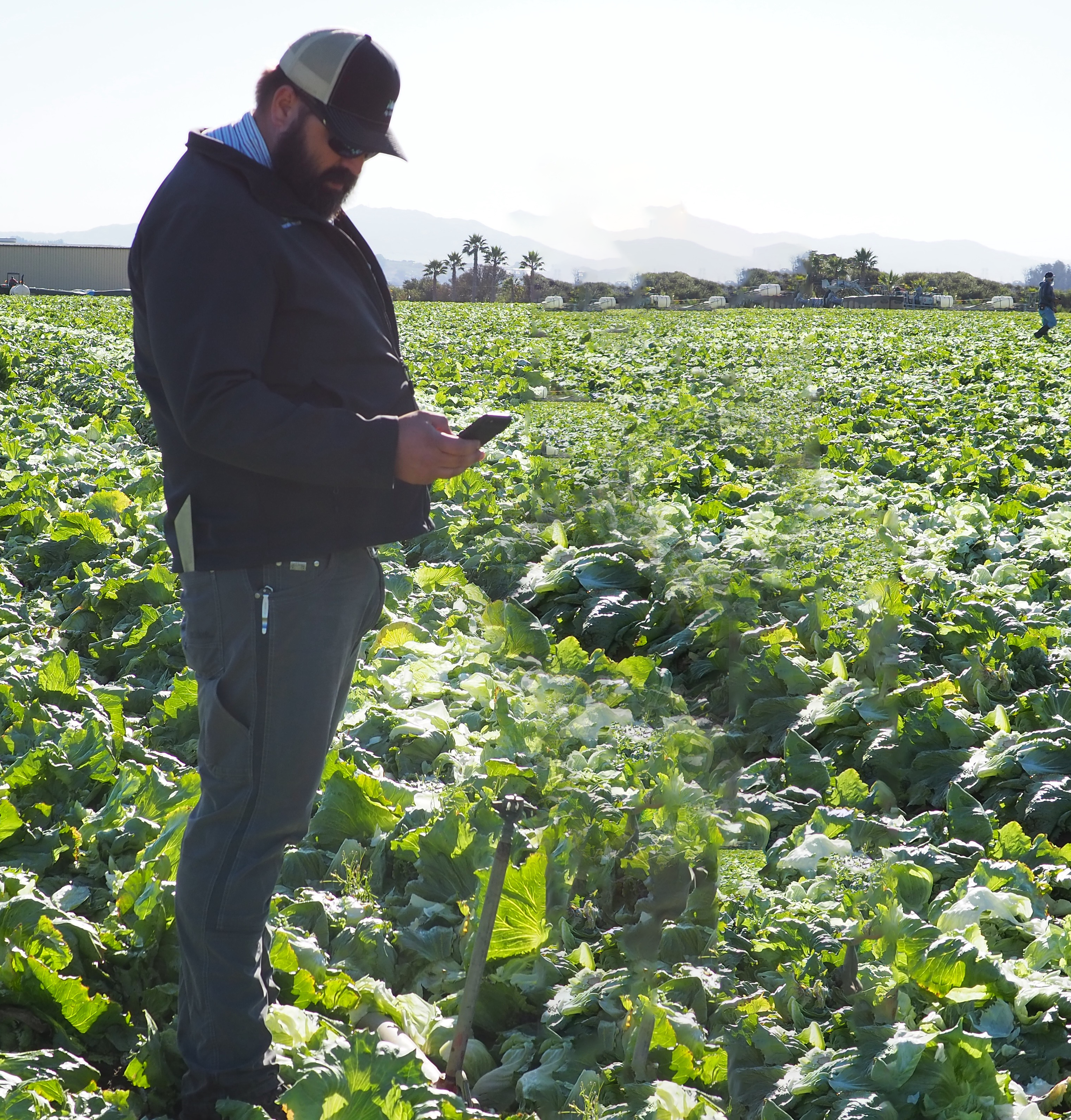
Nutrien had built an app for crop consultants to place orders. It worked, technically. But out in the field, consultants kept reaching for a faster tool: their phone, to call the branch admin and have someone else do it. Our software was competing with a phone call — and losing. This is the story of why, and how reframing the problem changed what we thought we were building.
1. The Problem
Competing with a phone call
On paper, placing an order through our tool was “simple.” In practice it looked like this: connect to the VPN, log in, select the document type, select the customer account, select the branch, find the product, select the SKU, calculate the quantity, choose a price-adjustment code, justify the adjustment, submit to the ERP — then wait one to seven days for approval.
Faced with that, a busy consultant in a field does the rational thing: “Screw it. I’m just gonna call my admin.”
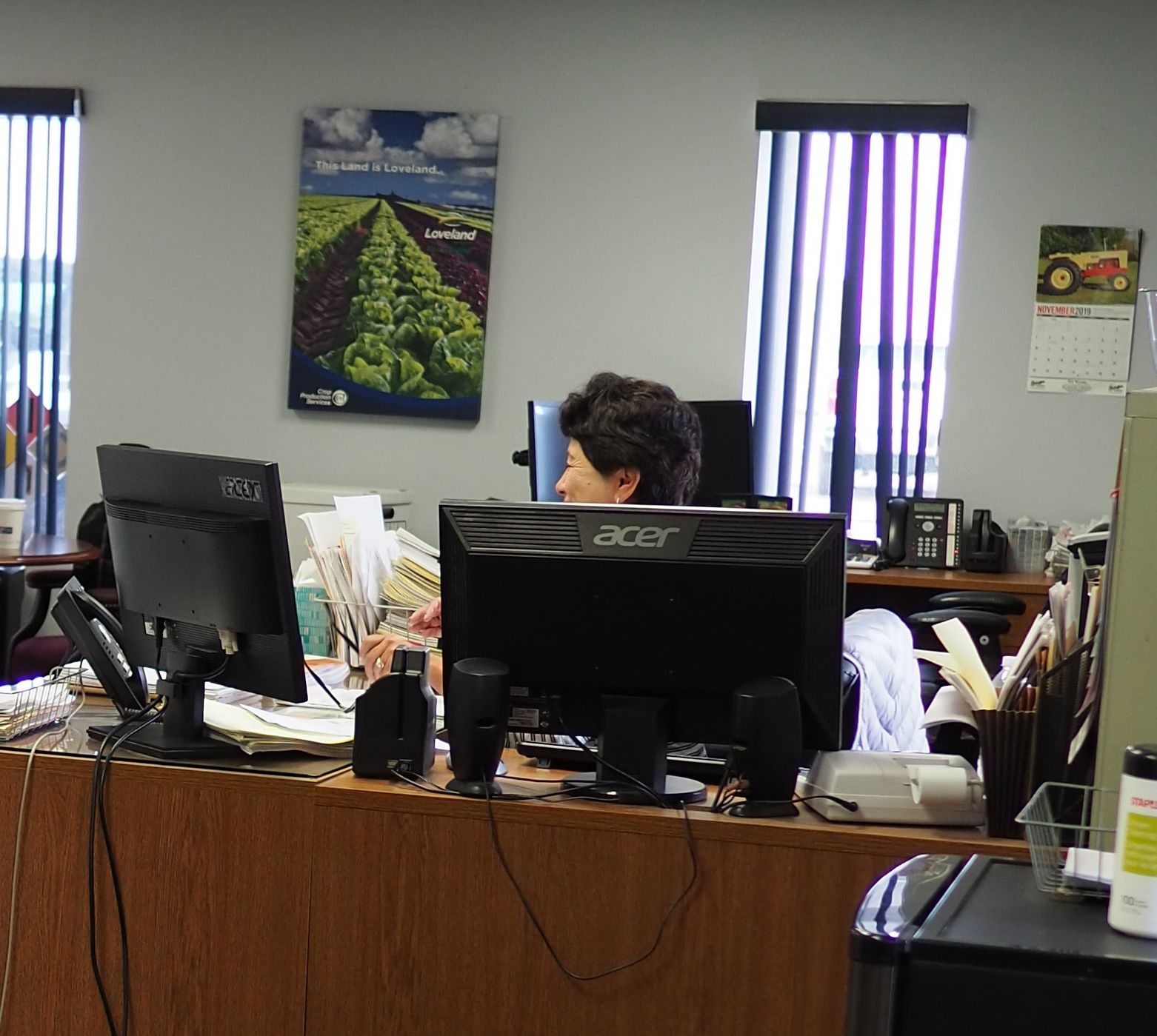
That was the uncomfortable truth I put in front of the team. The competition wasn’t another piece of software. It was a human being who could absorb a vague request — “I need this much of that for so-and-so” — and handle all the messy steps in the background. Our app demanded the consultant do that work themselves even though they didn’t have all the answers yet.
In user interviews with the branch admins I learned that they weren’t being helped by our product either. Their answer was blunt: cleaning up an order that came through EXH was more trouble than just creating it from scratch in the ERP. One admin openly admitted to impersonating the consultant they worked with, using their login to submit orders “so there aren’t errors.” Another put it even more simply: “I’m going to have to re-enter this anyway, just write it out.” We had built a tool that made more work on both ends of the transaction.
2. The Root Cause
We had passed our complexity on to the user
Why was the tool so rigid? Because, historically, digital had been built to mirror the company’s backend systems. The order form was essentially a window onto the ERP, and every required field and dropdown existed to satisfy a downstream system rather than to help the person at the keyboard.
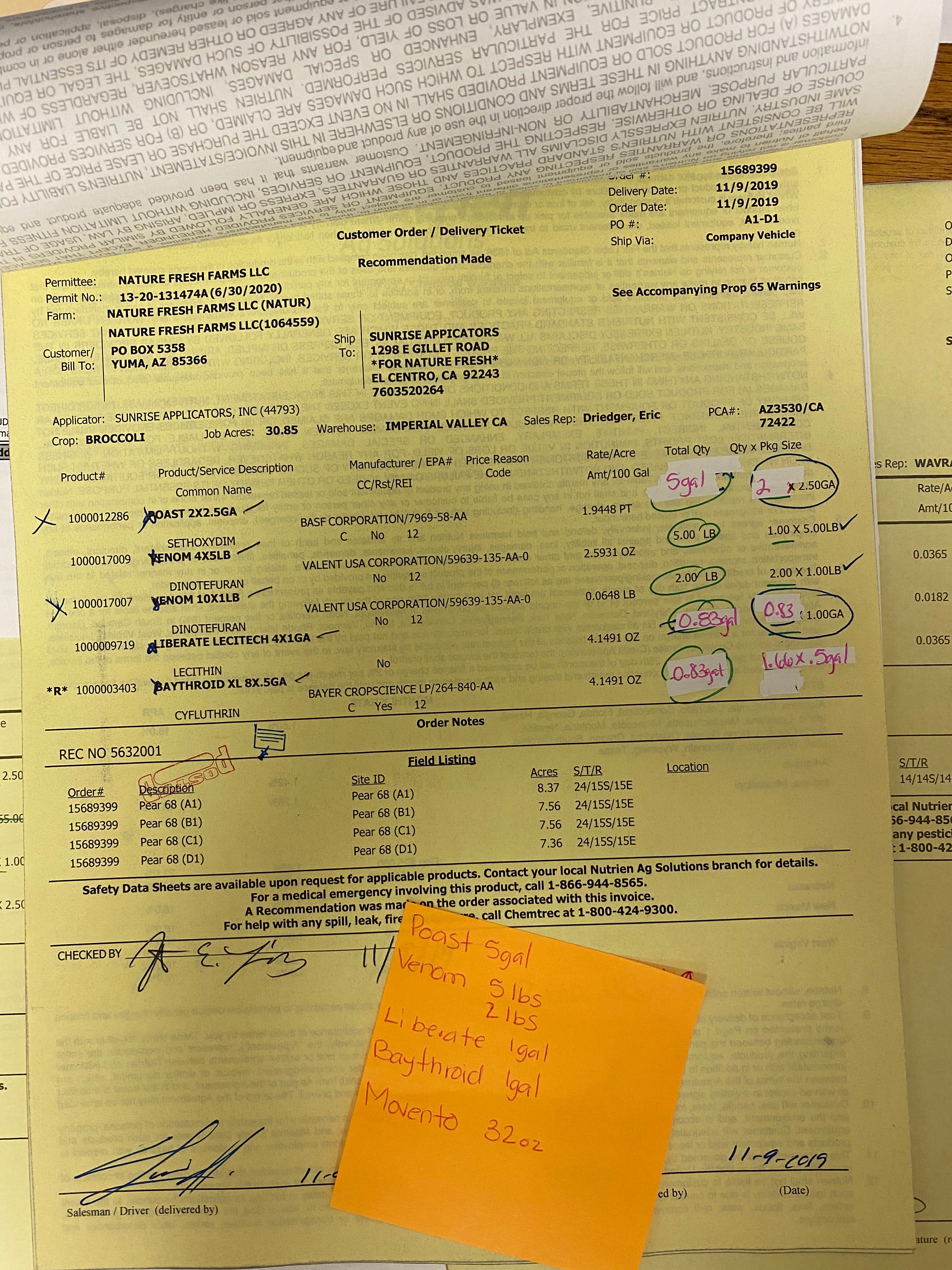
I described this as a tightly coupled design: by matching the ERP step for step, we passed the full complexity of our backend straight through to the user. It kept the engineering convenient and made the experience brittle. The honest summary of the status quo was uncomfortable — our systems were built around compounding internal complexity, and our users’ attitude was simply, “I’ll use it only if I have to.”
3. The Reframe
What is an order, really?
The breakthrough was refusing to accept that the tool had to look like the ERP. I asked the team a deceptively basic question: what is an order? Stripped of system jargon, the answer is human — Customer X needs Y amount of product Z.
That reframing pointed at a different kind of product, closer to a customer management system than an order-entry form. The order should be a single thing that:
- flows smoothly through the whole sales process, from a loose early conversation to a finalized order;
- accepts whatever level of detail the consultant actually has at that moment, instead of demanding every field up front;
- and gives a consultant visibility across all of their customers in one view.
Just as important was to recognize what an order wasn’t. In the field it wasn’t a contract, it was more like a shopping list - changing and updating as situations change. In other words, the recommendation was to decouple the experience from the ERP. Let the software absorb the complexity the way a good branch admin does, rather than forcing the user to.
4. Understanding the Whole System
The form is connected to a warehouse
Designing this responsibly meant understanding what happens after submit. An order doesn’t end at the form — it kicks off a physical process. At the facility, dozens of orders are in progress at once. They get printed and pinned to peg boards along a wall, moved down the line as each one progresses. Fertilizer is often a blend of several products, weighed and mixed by hand; overages, shortages, and substitutions are common.
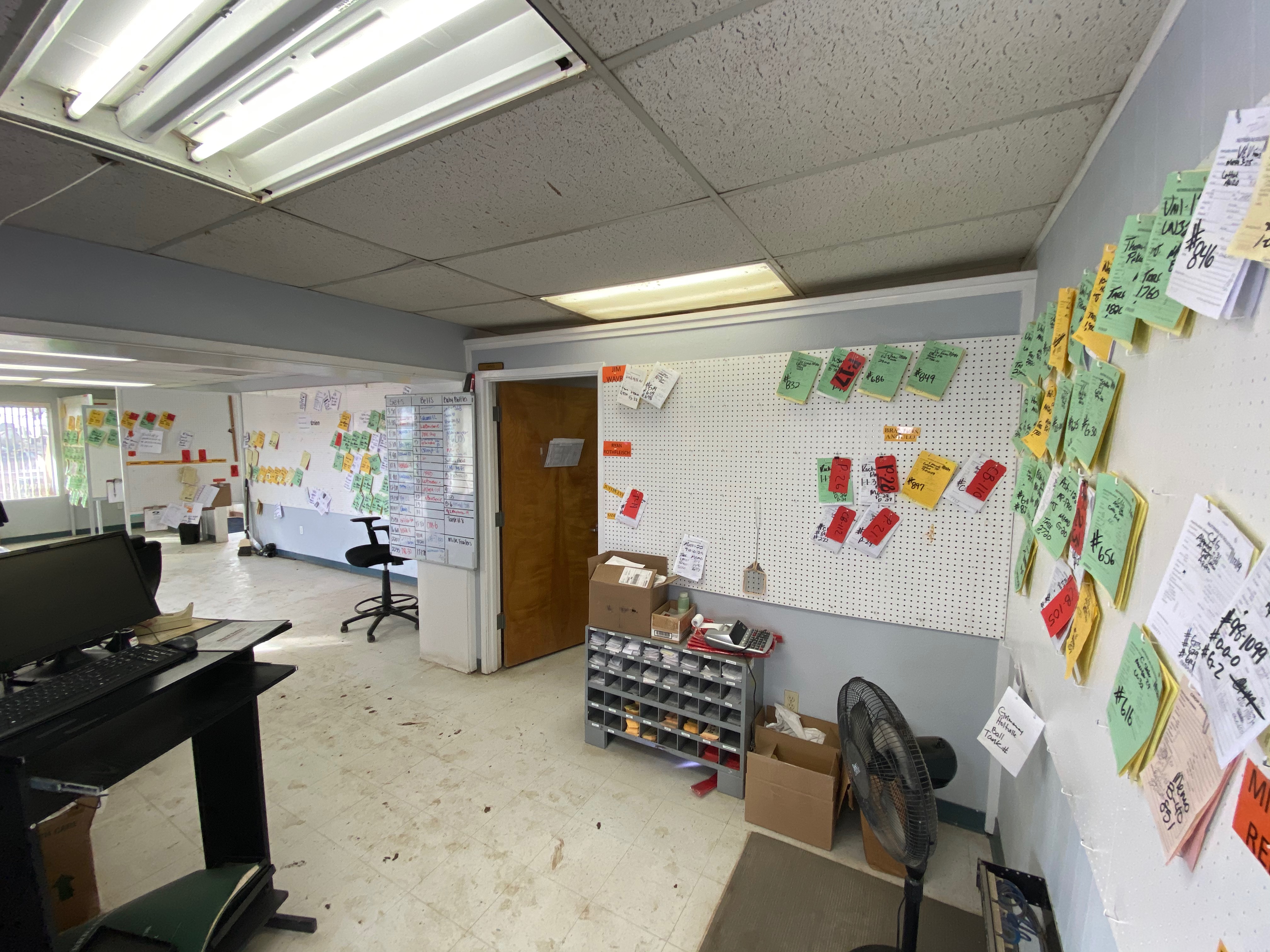
Seeing those real-world connections changed how we designed the form itself. When you understand that a field on the screen becomes a physical bag of product on a truck, you design to prevent the errors and tedious corrections that ripple downstream. The order isn’t final at the moment the order is placed, it closes when the product is applied to a field and overages/shortages are accounted for.
Conclusion
The order tool didn’t need more features. It needed a different premise. Once we stopped treating the order as a reflection of our ERP and started treating it as a reflection of how a sale actually unfolds, the path forward was clear: build something that competes with the phone call by being simple, flexible, and forgiving.
Order capture was one piece of a larger digital commerce effort, and the bet on designing around the user rather than the back end paid off: the agriculture e-commerce platform it belonged to went on to generate over $5 billion in sales in its first three years.